.jpg)
.IO.LDRPDF
Import your file
Choose a supported creator model or structured inventory. BrickFlow reads parts, quantities, colours and available groups.
BRICK MODEL → PRINT PLATES
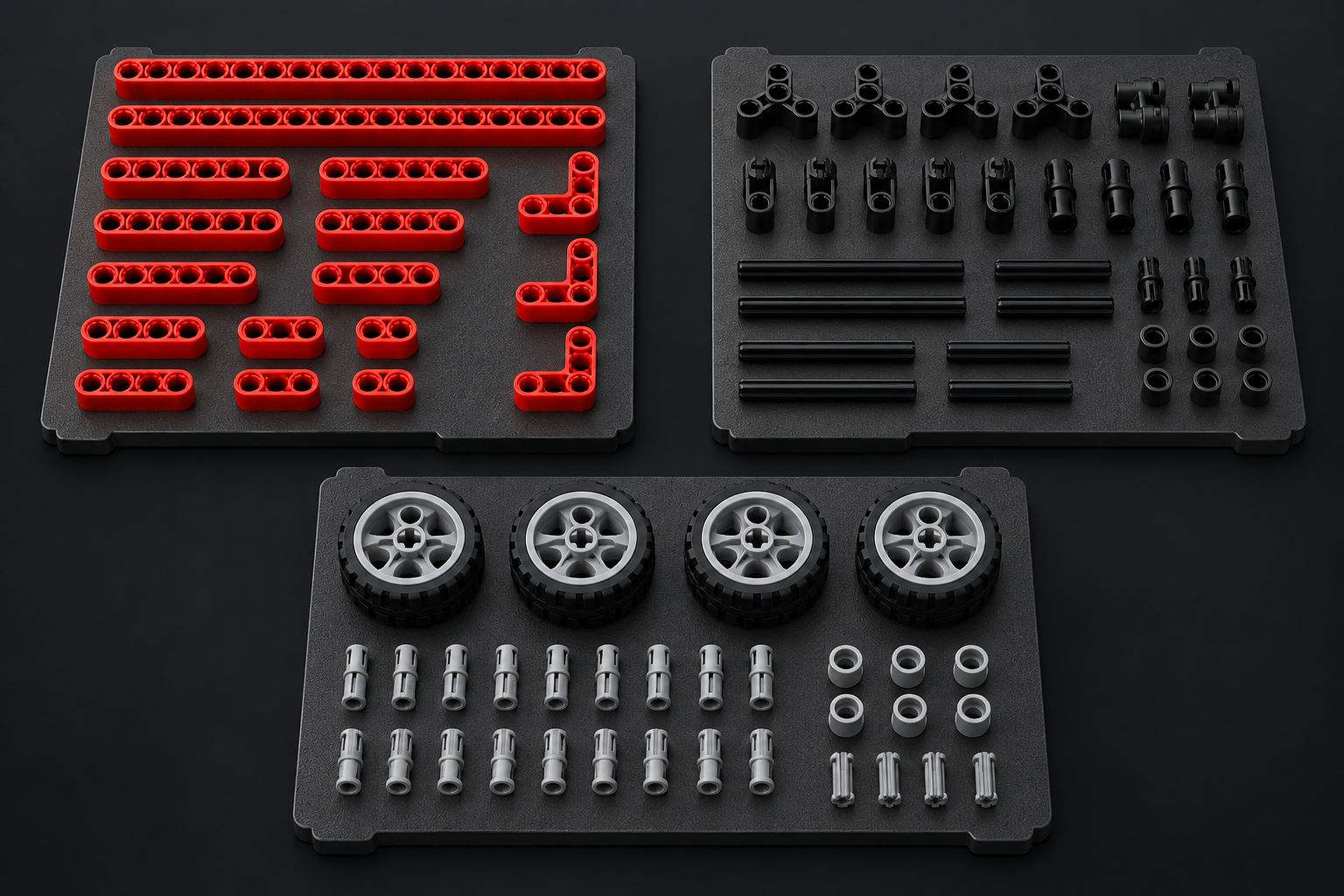
Bring a supported model or parts inventory. BrickFlow identifies parts and colours, finds available geometry, and arranges the pieces across colour-grouped 3MF plates for your slicer.
 BrickFlow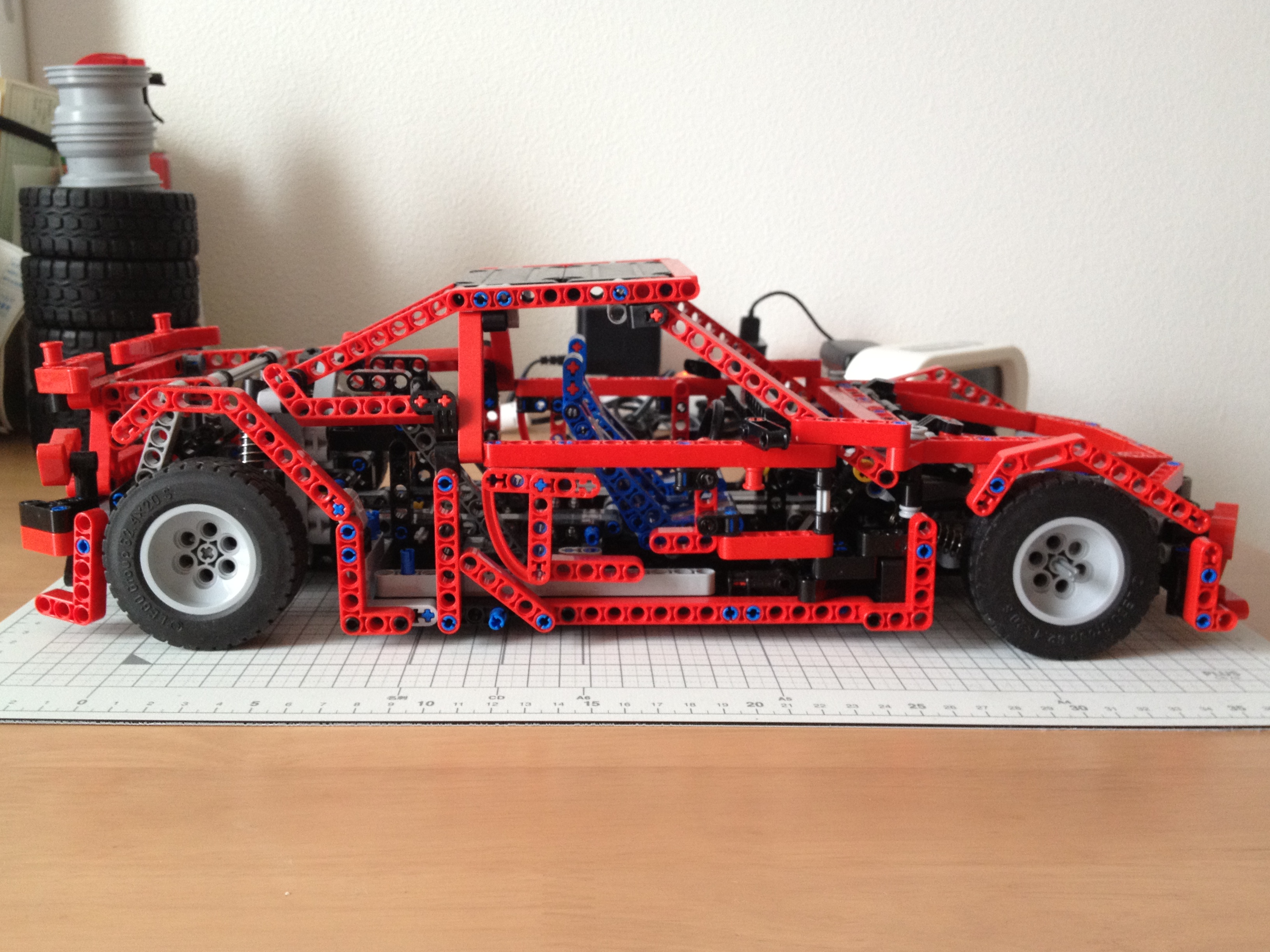
Example MOC photo: HIBIKIFL, CC BY 2.0. Cropped for display.
HOW IT WORKS
BrickFlow handles the repetitive preparation while keeping missing or unresolved items visible.
Choose a supported creator model or structured inventory. BrickFlow reads parts, quantities, colours and available groups.
Parts are matched to geometry and arranged into practical plates by build section and colour.
Open each finished project in a compatible slicer, choose your print settings and prepare to print.
CLEAR OUTPUT
Finished projects stay organised, with useful reports when a physical part cannot be produced from the available geometry.
Read compatibility details →Logical build groupsUse authored steps, sections or a complete-project group.
Colour-grouped platesKeep material changes and plate selection manageable.
Multi-plate 3MF projectsReady to open in your compatible slicer.
Honest completeness reportsUnresolved geometry is reported, never silently replaced.
REAL WORKFLOW, REAL OUTPUT
Our launch walkthrough will follow an original creator-owned model from its source file through BrickFlow, the slicer, printing and physical assembly.
No copied commercial model. No hidden substitutions. Just the workflow customers receive.
BEFORE YOU INSTALL
BRICKFLOW FOR WINDOWS
Perpetual desktop licence with product updates for the purchased version.
Secure checkout and delivery powered by Lemon Squeezy.
GOOD TO KNOW
BrickFlow is being validated for Studio .io, LDraw .ldr and self-contained .mpd files, compatible inventory PDFs, and documented CSV/XML inventories. Check the Supported Inputs page for exact requirements.
No. Some specialised, decorated, flexible, electronic or newly released parts may not have compatible geometry. BrickFlow reports these items rather than substituting the wrong shape.
No. BrickFlow creates 3MF projects. You open them in a compatible slicer to review printer, material and process settings.
The core conversion runs locally on your computer. Licensing, catalogues and software updates may require internet access.